is it generally safe to use third party software installers on MacOS? Or could they add bloatware like some registry cleaners for Windows machines? My end goal is to remove OneDrive and any related folders and files.
Thank you.
is it generally safe to use third party software installers on MacOS? Or could they add bloatware like some registry cleaners for Windows machines? My end goal is to remove OneDrive and any related folders and files.
Thank you.
Generally they are safe, with the caveat that you download them from the Store (the installer is automatically executed and deleted) or from the developers website, for example. Downloading them from less trustworthy sites, like Softonic, may mean they contain extras.
Simply dragging OneDrive to the waste bin should remove it completely, but not your user directory, but you can shove that into the watering manually.
I’ve never used an uninstalled, other than the developers own installer package on Mac.
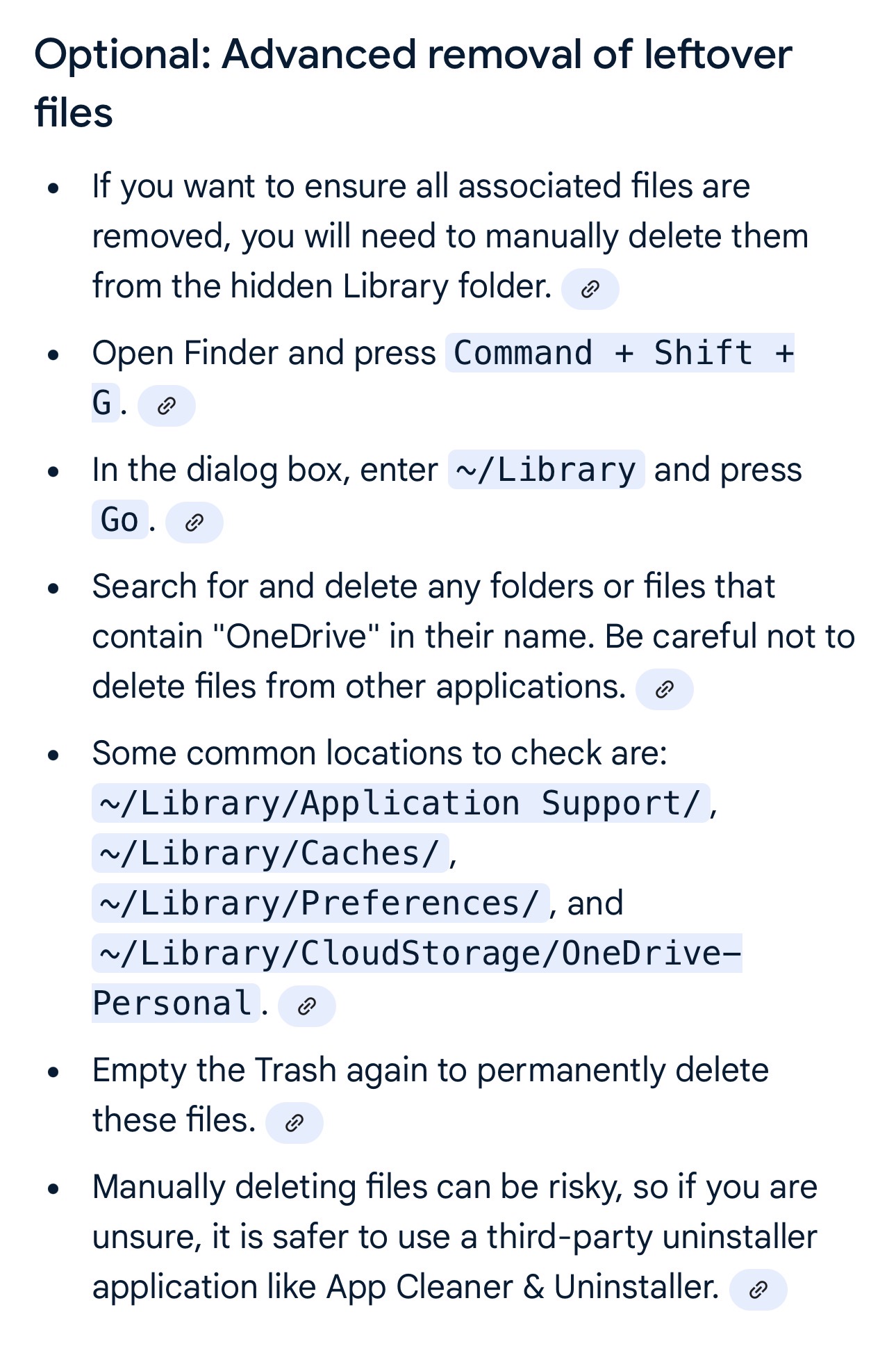
Thanks for the response. A lot of tutorials I’ve come across say that even after dragging the app to the trash can, there may still be some left over files that should be deleted (see attached picture). I don’t want to start playing around in terminal. That’s why I figured it would be easier to use a 3rd party software. Thoughts?
Well, I took your advice and just dragged the app to the trash can. I haven’t bothered deleting any of the other files other’s have suggested. I’ve had to restart my Mac a couple of times since. OneDrive hasn’t tried to reinstall itself. Nothing has exploded. So, I guess all is good.