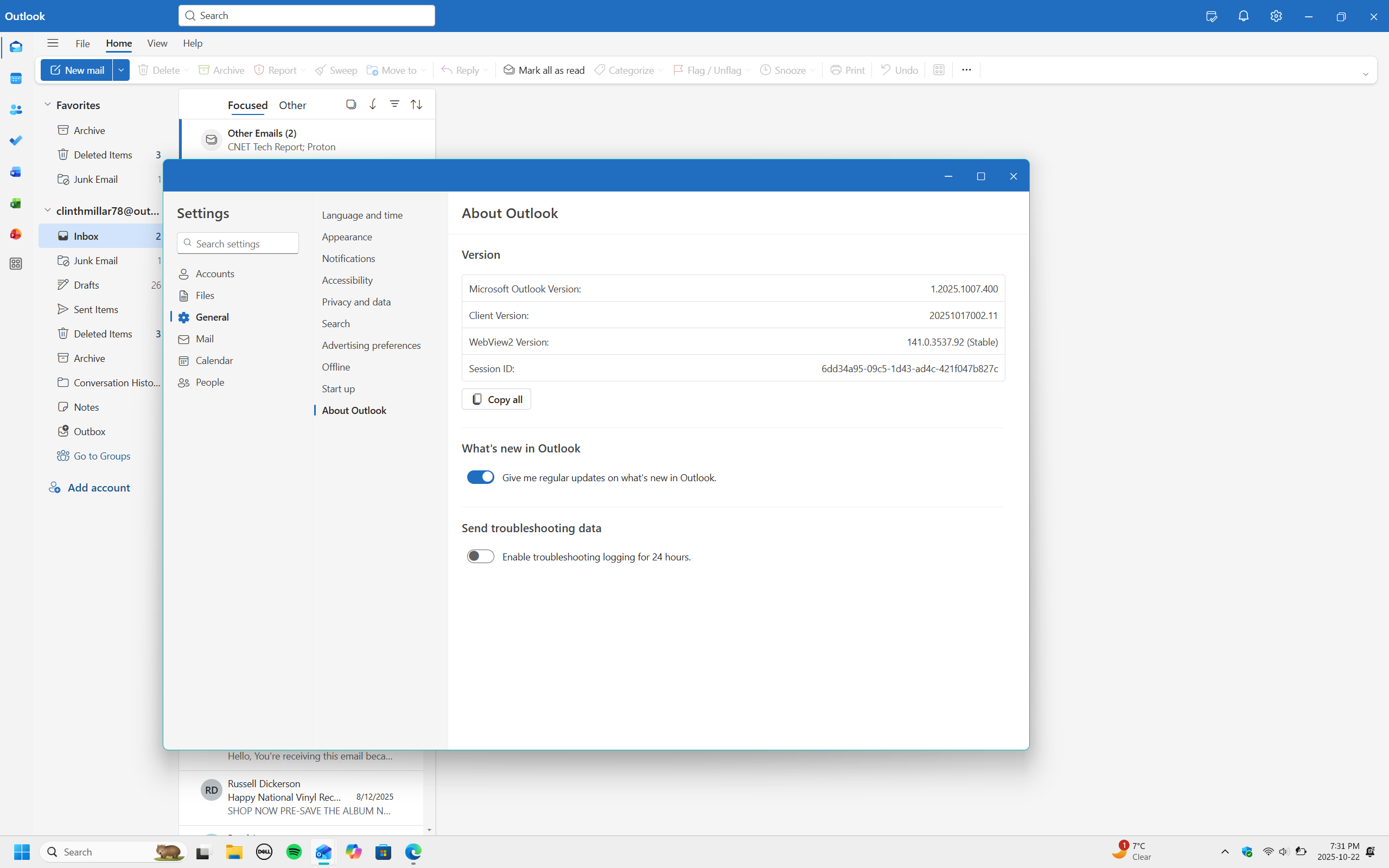
HI I have a question about the New outlook app that is on my laptop. What I want help with is I cannot find the read a loud in the new outlook so that it can read my emails to me. I have tried looking in settings and I cannot find the read alud feature in the new outlook app. I have the latested verion of the app on my laptop here is a screenshot. I now that I have to be logged in to my outlook account.
I have free new outlook app from the microsoft store.
I should say that I have tried watching videos on how to enable and disable read a loud but I could not understand the instructions fully. I will take any advice thanks.
Edition Windows 11 Home
Version 25H2
Installed on 2025-10-01
OS build 26200.6901
Experience Windows Feature Experience Pack 1000.26100.253.0
According to Microsoft the Outlook New for Windows (i.e. the replacement for Microsoft Mail, Calendar and Contacts apps in Windows, not the full Outlook client in Office 365 or Office 2026) does not support read aloud.
Microsoft states users should use the Windows 11 Narrator feature instead.
Is it possible to use a program that can read emails through the new outlook app. Would any of these programs through the Microsoft store work to read emails in the new outlook app.
HI Big_D how is it going on this fine day. I would really like the step by step instructions on how I can get Readaloud to work with the new Outlook icon witch is on my laptop main screen after I log in to my laptop. . I have the new outlook icon on my laptop this is where I want to find out how to turn on readaloud is in the new outlook app I do not have a subscription to a service that offers outlook.